OFFICIAL WSDOT E-BIKE PROGRAM

Washington e-bike rebates are open

Eligible Washington residents may qualify for a $300 rebate or a $1,200 income-qualified rebate.

$300Standard$1,200Income-qualified
Check Eligibility & Program Details

PARENT READINESS CHECK

Pilot Complete: 30 Parent Responses Received

Thank you to the parents and caregivers who helped test the Know Your Ride Parent Readiness Check. Findings from this pilot are now being used to refine the assessment before its broader public launch.

Buying Guide

Before you buy, know what you are bringing home.

A product photo, model name, or friend recommendation is not enough. Before buying an e-bike for a student, check the label, motor rating, throttle behavior, top assisted speed, pedals, unlockable settings, fit, and whether the bike makes sense for the places it will actually be used.
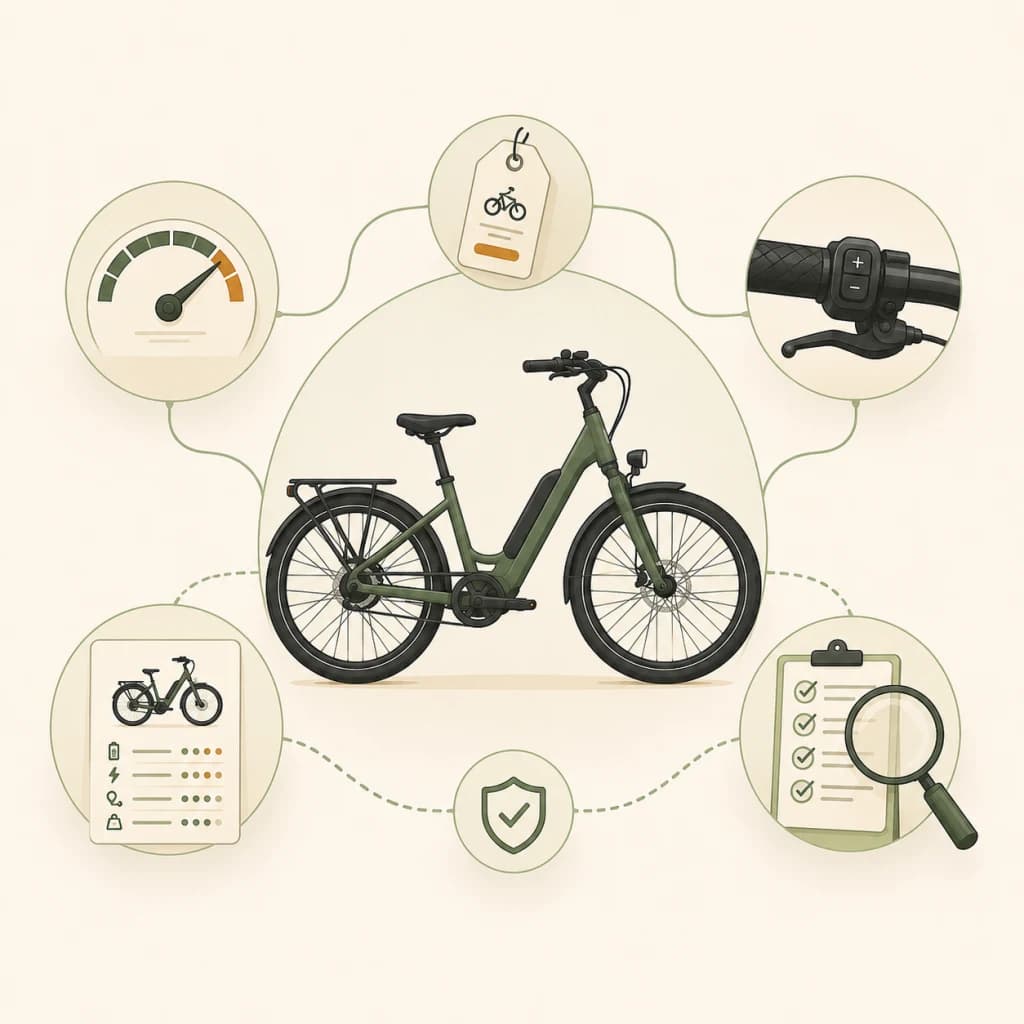
Illustration of an e-bike with feature checks for label, speed, throttle, settings, and buying questions.

Buying moment

The best time to prevent confusion is before checkout.

Once a bike is already in the garage, the decision can feel harder to slow down. Before buying, pause long enough to understand what the bike is, how it behaves, where it will be used, and whether the rider is ready for that setup.

LABEL CHECK

Product name is not enough

Look for the actual class label, model number, motor rating, and speed information.

SPEED CHECK

Speed details matter

Top assisted speed, throttle behavior, and app settings can change the safety conversation.

THROTTLE CHECK

Throttle behavior changes the ride

A throttle can make starts feel sudden near pedestrians, crossings, school entrances, and tight spaces.

PAUSE & VERIFY

Unlock modes need review

Words like unlock, off-road, race, sport, limiter, or app control should make families slow down and ask more.

ROUTE MATCH

Buy for the actual route

A bike for quiet neighborhood practice may not fit crowded sidewalks, school entrances, trails, or busy crossings.

Product page scan

Six details to check before you fall for the photo.

Marketing photos can make very different bikes look similar. Before adding a bike to your cart, look for the details that explain how it actually behaves.

LABEL CHECK

Label

Look for class, model name, motor rating, and top assisted speed. Save or screenshot the official specs.

SPEED CHECK

Motor rating

Check the listed wattage and whether the seller separates continuous power from peak power.

THROTTLE CHECK

Throttle

Check whether the bike can move without pedaling, how fast it can go using throttle, and whether throttle behavior can be limited.

PAUSE & VERIFY

Modes and unlock settings

Look for words like unlock, off-road, race, sport, limiter, app control, or speed settings.

LABEL CHECK

Pedals

Confirm the pedals are fully functional and actually move the bike forward, not just attached for appearance.

FIT FIRST

Fit and weight

Check seat height, brake reach, bike weight, rider control, helmet fit, and whether the rider can stop smoothly.

Seller questions

Ask exact questions before the answer becomes yes.

A good seller should be able to explain the exact model, class label, speed behavior, throttle limits, settings, and maintenance needs. If the answers are vague, pause before buying.

ASK FIRST

Questions about the bike

  1. What class is this exact model, and where is that printed on the bike?
  2. What is the motor rating, and is that continuous or peak power?
  3. What is the top assisted speed in normal settings?
  4. Can it move by throttle without pedaling? If yes, what is the throttle-only limit?
  5. Can the speed, throttle, or assist limit be changed through the display or app?
  6. Does this model have off-road, race, unlock, sport, or higher-speed modes?
ROUTE MATCH

Questions about student use

  1. Is this setup appropriate for a student riding near school entrances, pedestrians, and shared spaces?
  2. Can the throttle or assist be limited for everyday school use?
  3. What settings should stay locked or avoided for a younger rider?
  4. Is the bike designed to carry passengers?
  5. What helmet, lights, lock, and visibility gear are recommended with this bike?
  6. What monthly checks should we do for brakes, tires, battery, and charging safety?

Red flags

Pause before buying if the details are unclear.

A bike does not have to be bad to be the wrong fit for a student, school route, or shared community space. These red flags mean the family should slow down and verify before purchasing.

  • The seller cannot show a class label or official specs.
  • The product page is unclear about throttle-only speed.
  • The bike can be unlocked beyond the listed speed or class behavior.
  • The listing uses vague language like off-road only, race mode, or private land mode without clear limits.
  • The pedals, foot pegs, or passenger setup are unclear.
  • The bike seems too heavy or powerful for the rider's size and experience.
  • The seller cannot explain service, returns, battery safety, or replacement parts.
  • The purchase pressure is mostly everyone else has one.

Buying decision

After the questions, decide what to do next.

The goal is not to scare families away from e-bikes. The goal is to decide whether the bike, rider, route, and details are clear enough to move forward responsibly.

Ready to compare

The label, speed, throttle, pedals, settings, fit, service support, and likely route use are clear.

Pause and ask more

The bike may still work, but key details are missing, vague, or hard to verify.

Do not buy yet

The bike is too unclear, too powerful, not serviceable, or does not fit the rider's daily use.

Ready for the next step?

If the bike still looks like a possible fit, use the Bike Checker before approving regular rides. For family expectations, route planning, helmet habits, and riding agreements, open the Parent Guide.

Downloadable resource

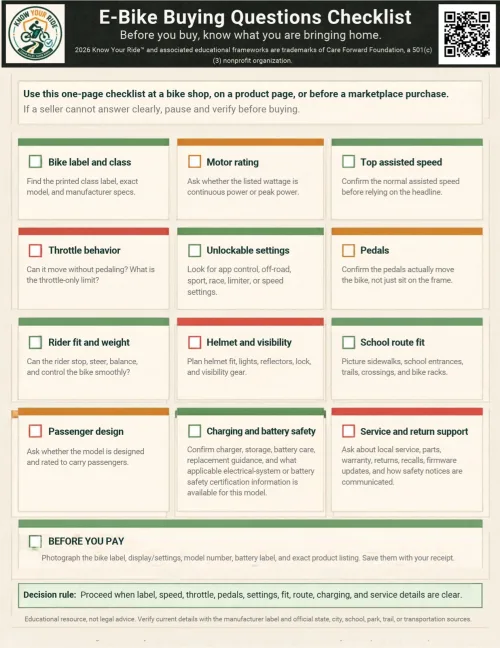
E-Bike Buying Questions Checklist

A one-page checklist families can bring to a bike shop, use while reviewing a product page, or discuss before buying.

ASK FIRST

Checklist topics

  • Bike label and class
  • Motor rating
  • Top assisted speed
  • Throttle behavior
  • Unlockable settings
  • Pedals
  • Rider fit and bike weight
  • Helmet and visibility
  • School route fit
  • Passenger design
  • Charging and battery safety
  • Service and return support

Bring the questions with you.

The PDF is static and printable. It mirrors the same buying checks on this page so families can use it without opening the site at the shop counter.

By using this tool or submitting this form, you acknowledge the Terms of Use and Privacy Policy. Know Your Ride provides educational information only. Results and materials are not legal determinations, safety certifications, professional inspections, or authorizations to ride.

Safety gear

Safety Gear & Buying Checklist

Before a first regular ride, think through the gear that supports everyday visibility, fit, parking, and basic care. This is a conversation starter for families, not a required product list.

Third-party retailer links are provided for convenience only. Product examples are educational and are not official endorsements or requirements. Always choose gear that fits properly and meets applicable safety standards. Prices, availability, and retailer content may change.

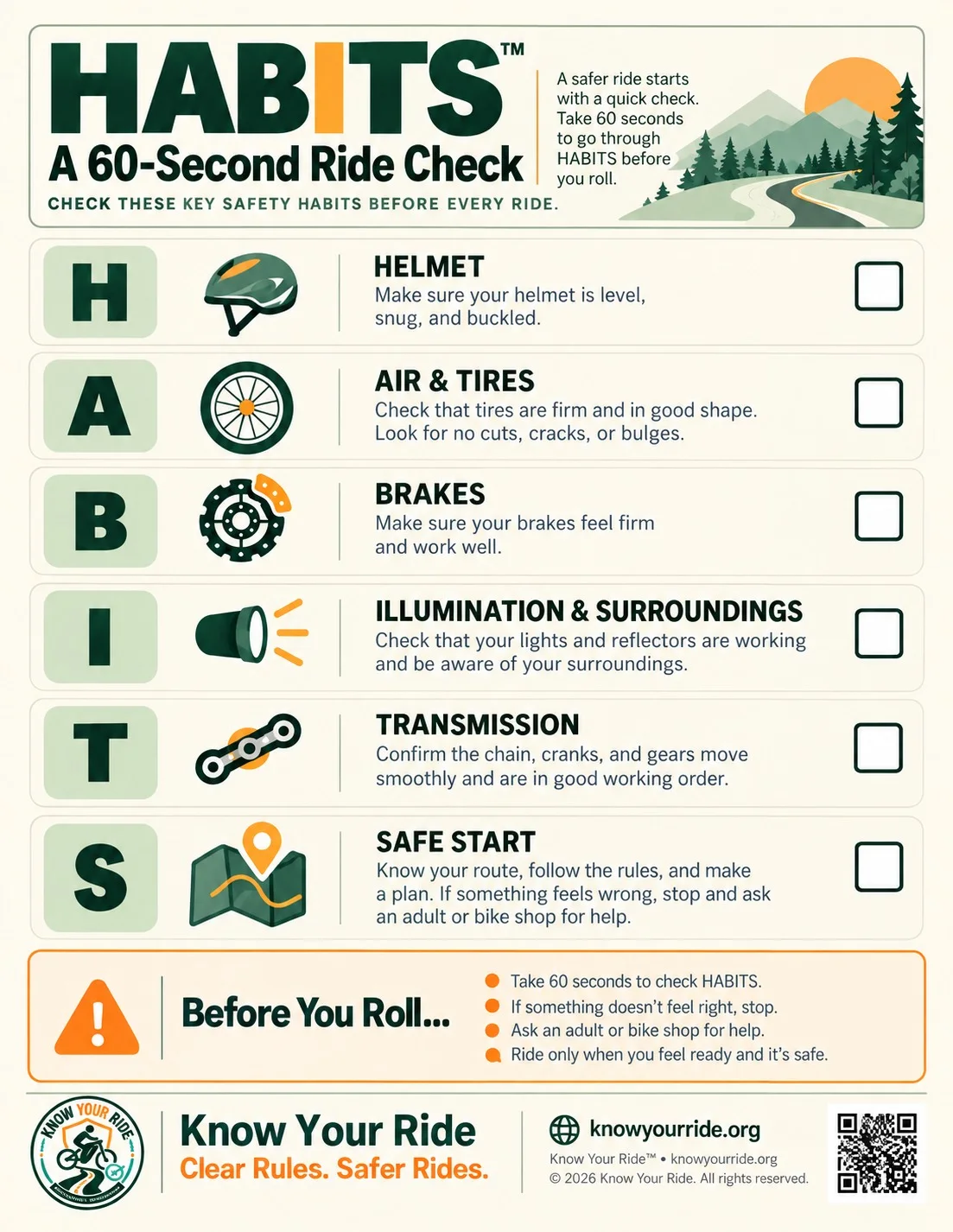
  • Helmet that fits the rider properly
  • Front and rear lights
  • Reflective or high-visibility gear
  • Lock for school, shop, or neighborhood stops
  • Basic maintenance items for tires, brakes, and charging checks
  • Bell or signal device where appropriate
  • Phone mount only when it supports route visibility without distracting from riding